

 by GoinLabs
Meetings where everyone gets a word in.
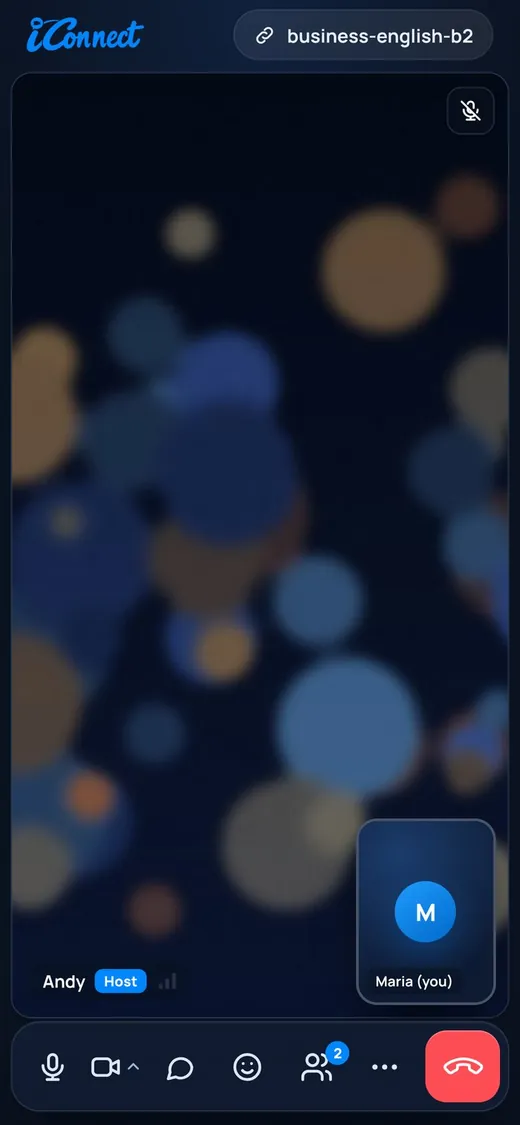
iConnect is our own video platform, made for training and for teams who decide things together. Breakout rooms, whiteboard, debates, a live talk-time meter and AI that actually helps.

Let's agree on the next steps by Friday.
One room, two editions.
See who has not spoken yet
The live talk-time meter shows every participant’s share of speaking. Quiet learners stop hiding, and you stop talking too much yourself.
Debates that run themselves
Debate mode sets a motion, two sides, a speaking queue and a turn timer. You moderate instead of watching the clock.
Your lesson, prepared by AI
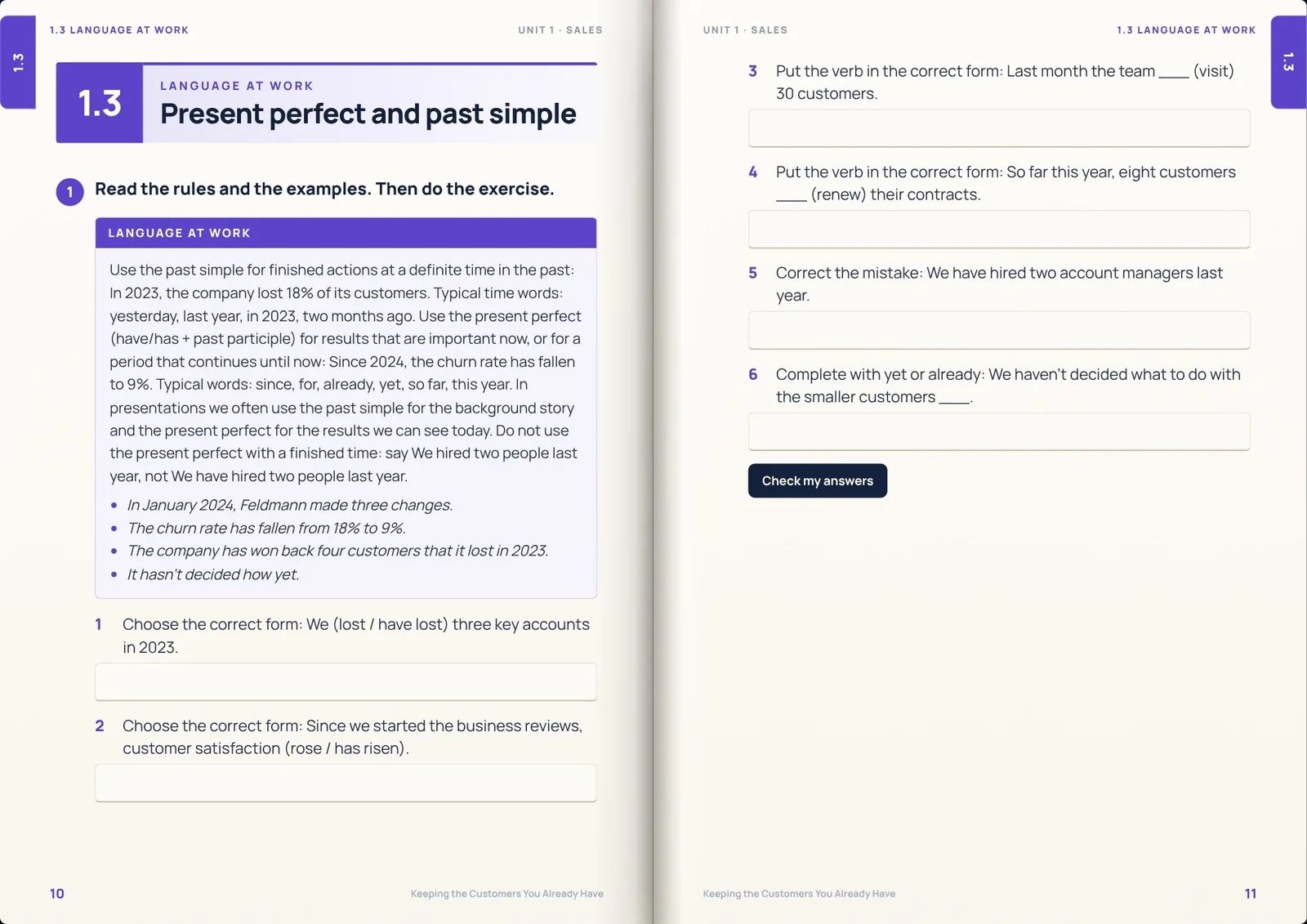
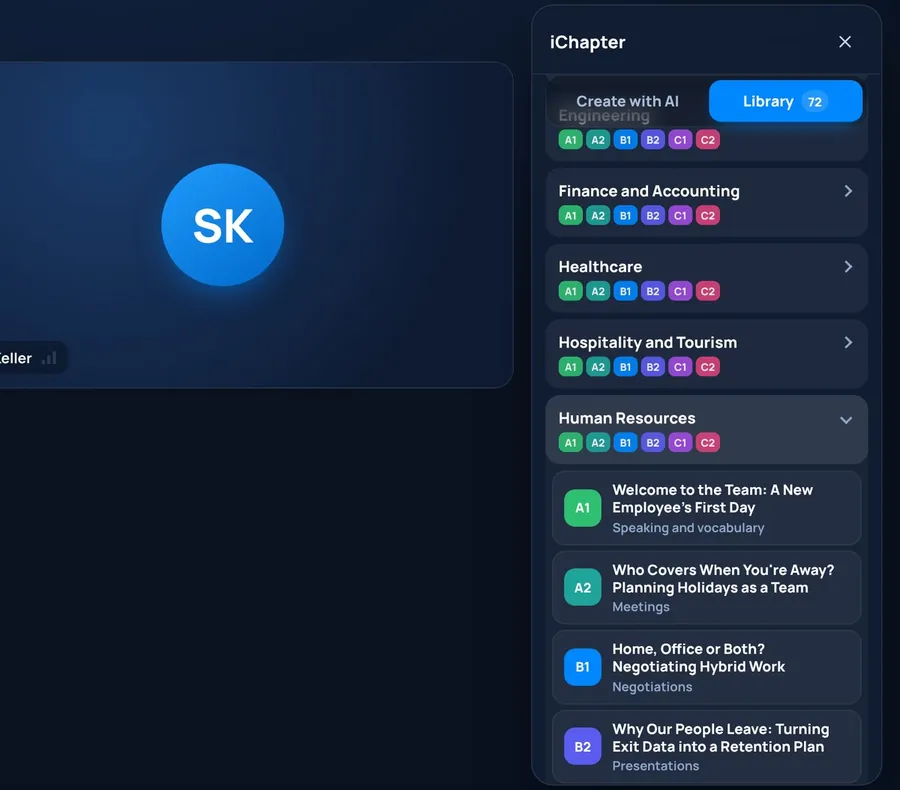
The AI lesson book (iChapter) builds warm-ups, vocabulary, role plays and homework around your topic in seconds. You stay the teacher; it does the typing.
No barriers for students
Students join free with your link, in the browser or the app on Windows, Mac and Android. No account, no licence, no time limit on your Teacher plan.
Your AI assistant
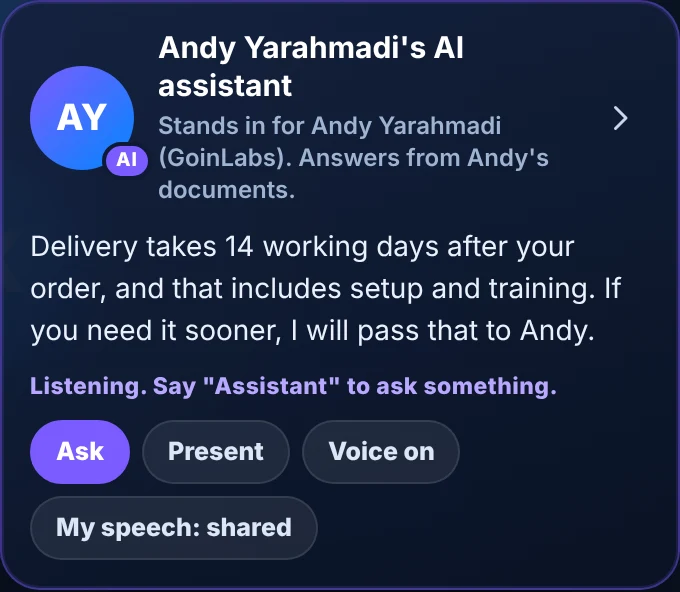
Business edition: an assistant trained on your own documents represents you with the facts and can answer the audience. Always clearly labelled as your AI assistant.
What did I miss?
Joined late? One click shows the decisions and key points so far. A searchable decision log keeps them after the meeting.
Recap movie
A short, playful recap of the last session from shared images, notes and highlights, saved as a video.
Attendance for HR
Date and minutes per participant are recorded so HR can issue attendance certificates at any time.
Inside iConnect, feature by feature.
Scroll and watch the meeting room change.
Talk time
For
AKJMAgainst
KSLSAI lesson book · Chapter 4
- Warm-up3 questions about late deliveries
- Vocabularylead time · buffer · penalty clause
- Role playSupplier vs. buyer, 2 roles
- HomeworkEmail: propose a new date
Recap movie ready · 2:14
- 3 decisions
- 5 action points with owners
- New words of the day
- AYAndy
- KSKatrin
- JMJonas
- LSLeyla
- TBTom
- MWMia
Gallery and talk-time meter
Everyone on one screen, with a live bar for each person’s share of speaking. You see at a glance who still needs the floor.
Breakout rooms
Split the class into rooms in one click and drop in wherever you are needed.
Debate mode
A motion, two sides, a queue and a turn timer. Perfect for language practice and for real decisions in teams.
Whiteboard
Draw, write and add sticky notes together, for vocabulary, mind maps and decisions.
AI lesson book
Type a topic and get a full lesson: warm-up, vocabulary, role play and homework, ready to teach.
AI assistant (Business)
Ask questions about your own documents and get answers in seconds, inside the meeting.
Recap movie (Business)
After the meeting, a short recap with decisions and action points for everyone who could not join.
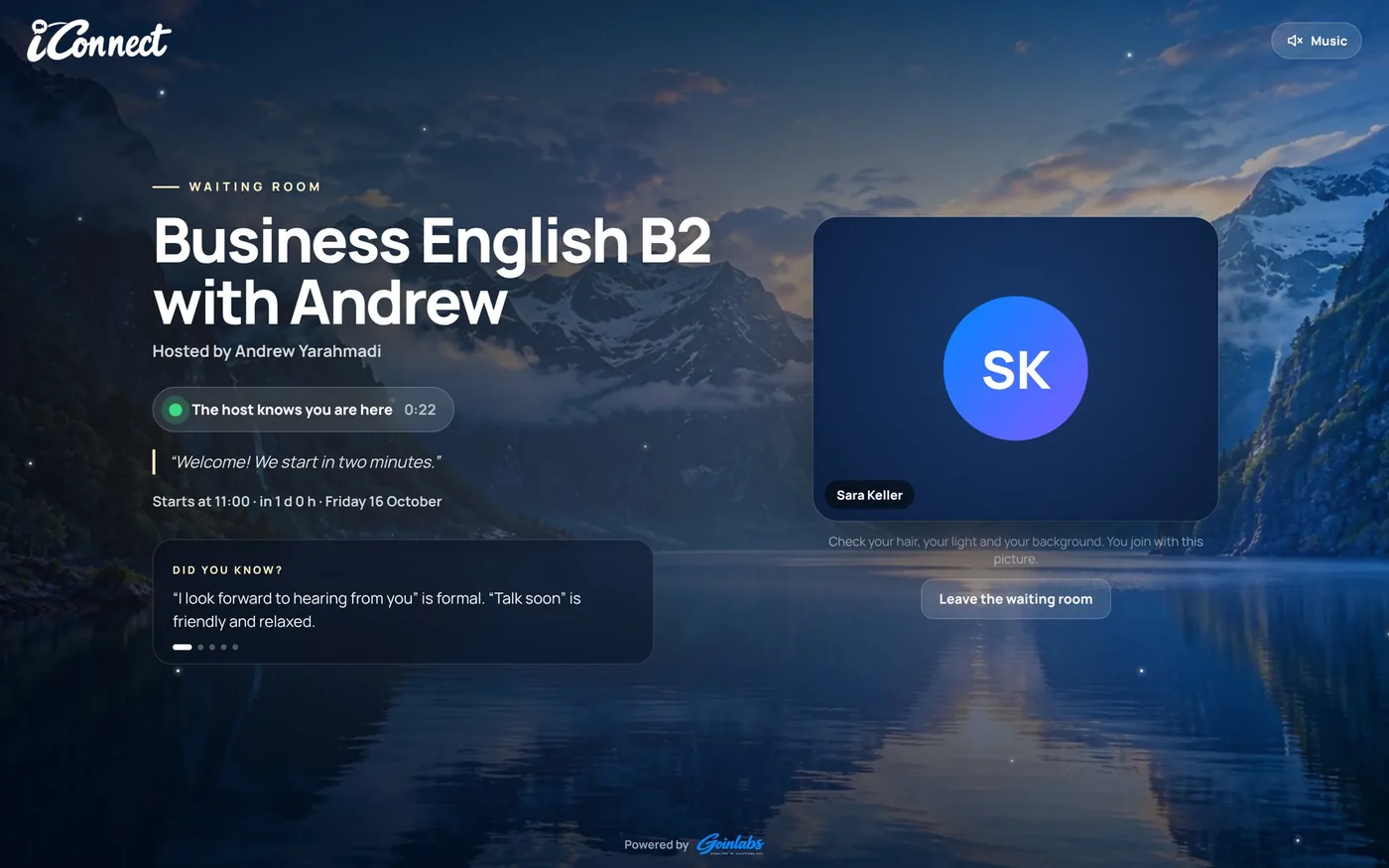
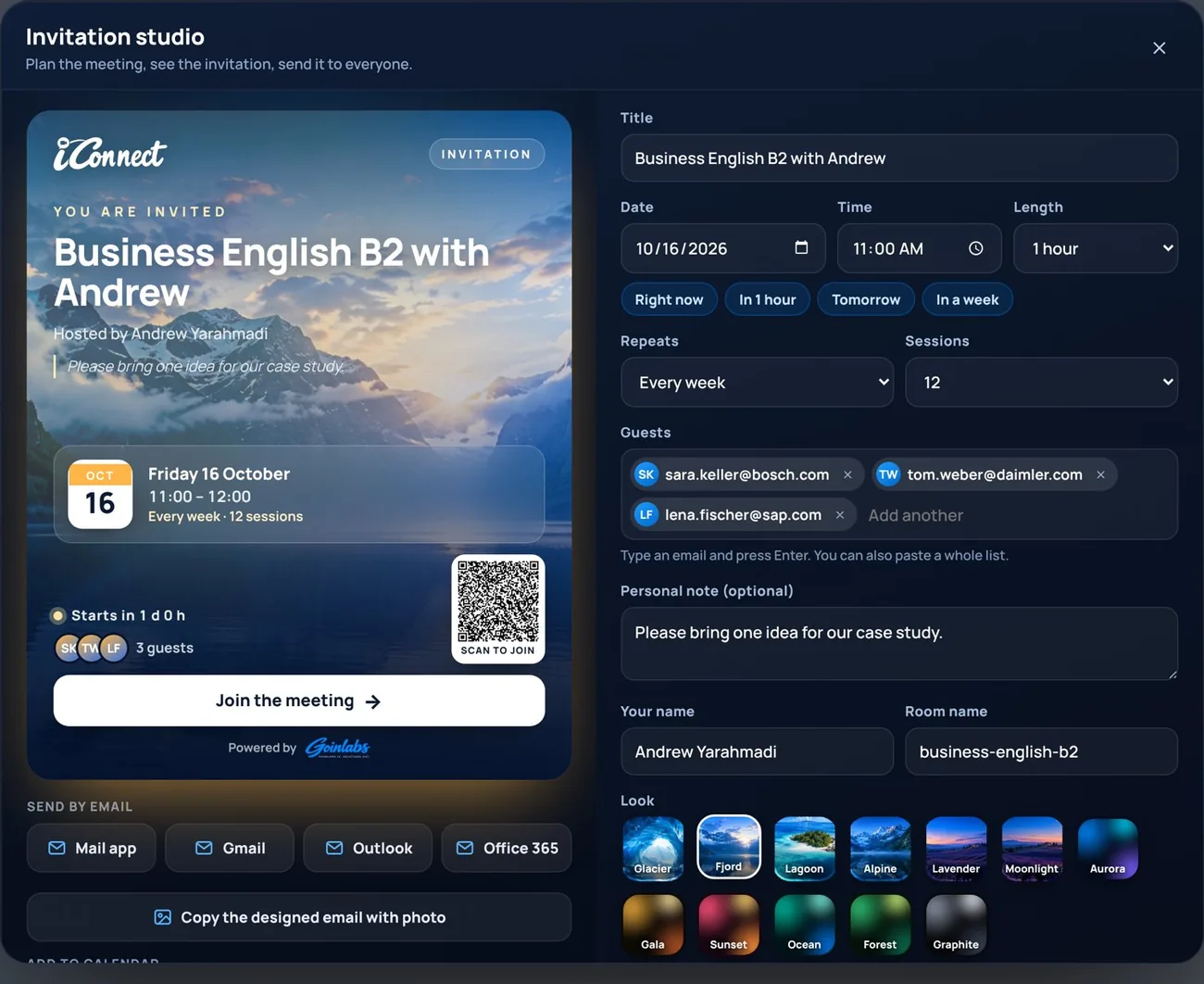
Screens straight from iConnect.
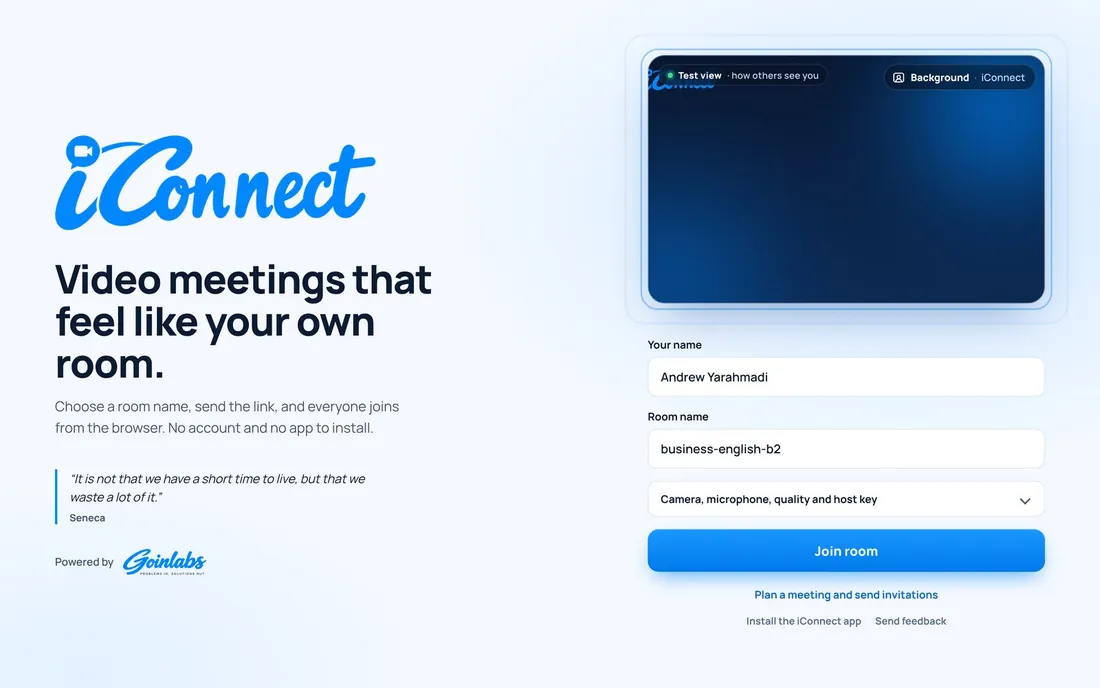
No mock-ups: this is what you and your guests will see.


Why trainers choose iConnect for their lessons.
Most video tools were made for meetings where one person talks. iConnect was made in our own language classes, where everyone should talk. Every feature answers a question we had in a real lesson.
A 60-minute lesson in iConnect
- 0:00
Warm-up in gallery view
Talk-time meter on. - 0:10
Vocabulary on the whiteboard
From your AI lesson book. - 0:20
Role play in breakout rooms
Pairs, five minutes, you drop in. - 0:35
Debate mode
Two sides, a queue, three-minute turns. - 0:55
Feedback and homework
Worksheet link for the week.
From zero to your first meeting in five minutes.
- 1
Try it free in the browser
Open iConnect, no account needed. The free version runs meetings of up to 15 minutes with the core features.
- 2
Pick your plan at GoinLabs
Teacher, School, Business or Business Team. Pay online by card, PayPal, Apple Pay, Google Pay or SEPA.
- 3
Enter your licence key
Your key arrives by email right after payment and unlocks everything for your licence period.
- 4
Send your link
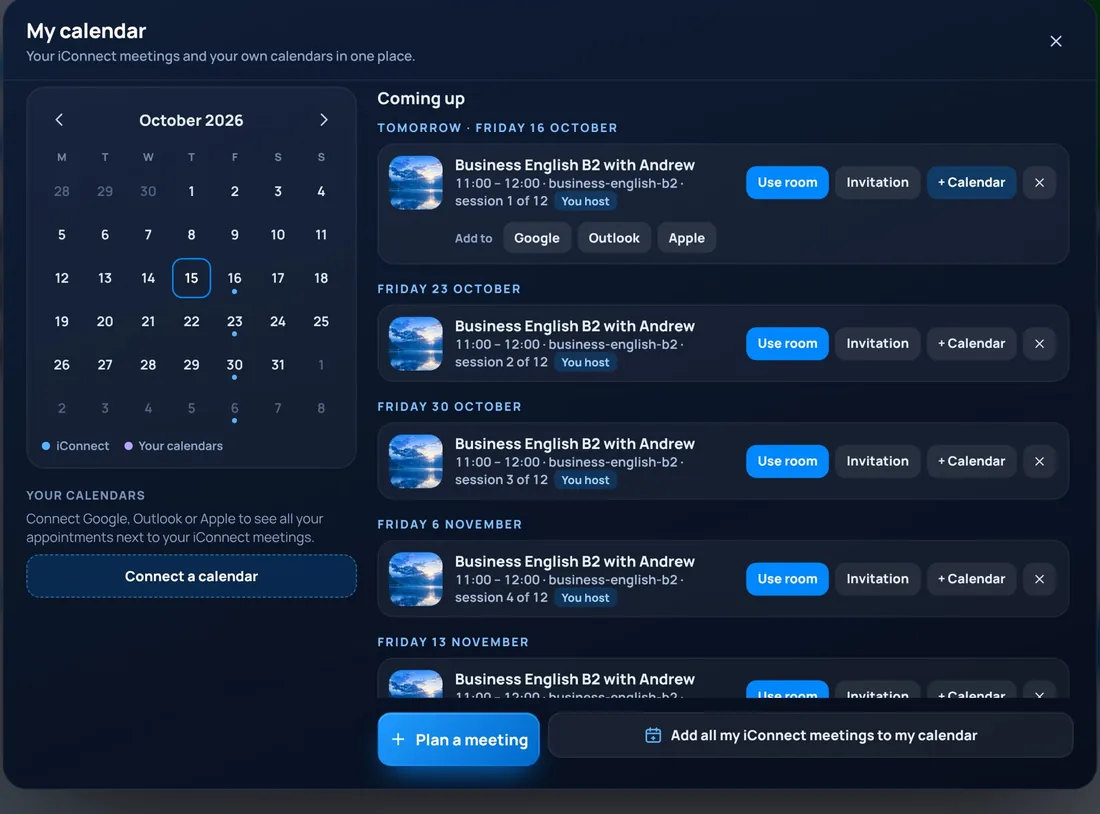
Add it to Google Calendar with one click. Only the host needs a licence; guests join free.
Pick your plan and start today.
Licences are sold directly by GoinLabs, the developer of iConnect. Only the host needs a licence.
Prices include 19% VAT and renew automatically; cancel any time. Annual plans for Teacher (€99) and Business (€129) are also available.
Good questions, short answers.
Do participants need a licence?
No. Only the host needs one; everyone else joins free with the link.
Where do I pay for iConnect?
Directly at GoinLabs, the developer of iConnect: card, PayPal, Apple Pay, Google Pay or SEPA. Your licence key arrives right after payment, so you do not need to contact us.
Can our own trainers use iConnect?
Of course. Any trainer can buy a Teacher licence at GoinLabs and teach in iConnect, with or without Goinenglish.
Where is our data stored?
In the EU. iConnect runs on servers in Frankfurt. No ads, no selling of data.
Ready to hear everyone?
Open iConnect in your browser and start a meeting in seconds. No account, no download, no card.
iConnect & iGoinLearn
Meet live in iConnect, keep learning in iGoinLearn. One login area, one partner, one invoice.